

Disclosure: We earn commissions when you shop through the links below.
We have all been there. You start a new project, spin up a Firebase or Supabase instance, and everything feels magical. The real-time database works, authentication is handled, and the free tier seems generous.
Then your app gets traction.
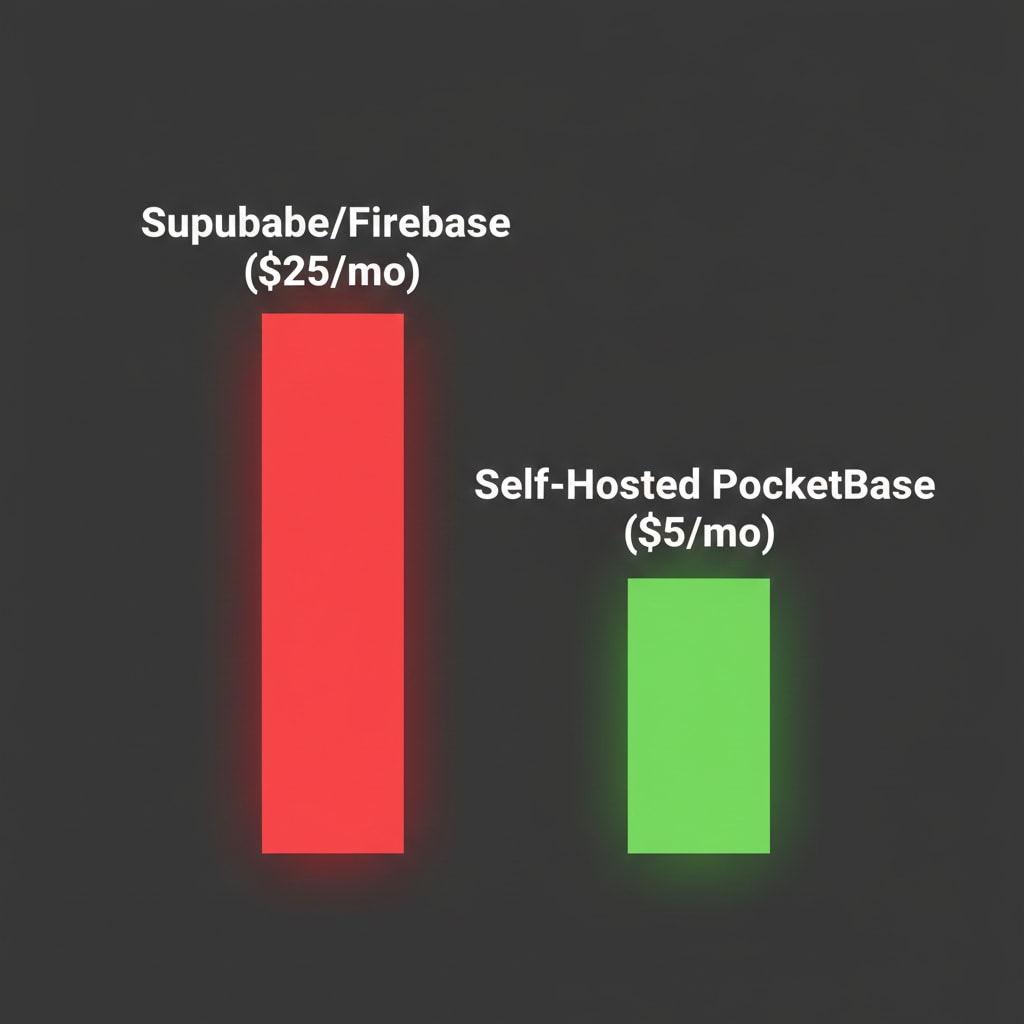
Suddenly, you hit the "Pro Plan" wall. $25/month for Supabase? Usage limits on Firebase? For an indie hacker or a startup with multiple micro-SaaS projects, these costs compound faster than your MRR (Monthly Recurring Revenue).
In 2026, the smartest developers are moving back to **Self-Hosting**. But we aren't writing SQL manually. We are using PocketBase—an open-source backend written in Go that fits in a single file and runs on a cheap $5 VPS.
Here is how to replace a $25/month service with a $5/month server that you own completely.
The "Managed Backend" Trap
Don't get me wrong—Supabase is an incredible piece of engineering. It wraps PostgreSQL with a beautiful UI. But you are paying a premium for that UI.
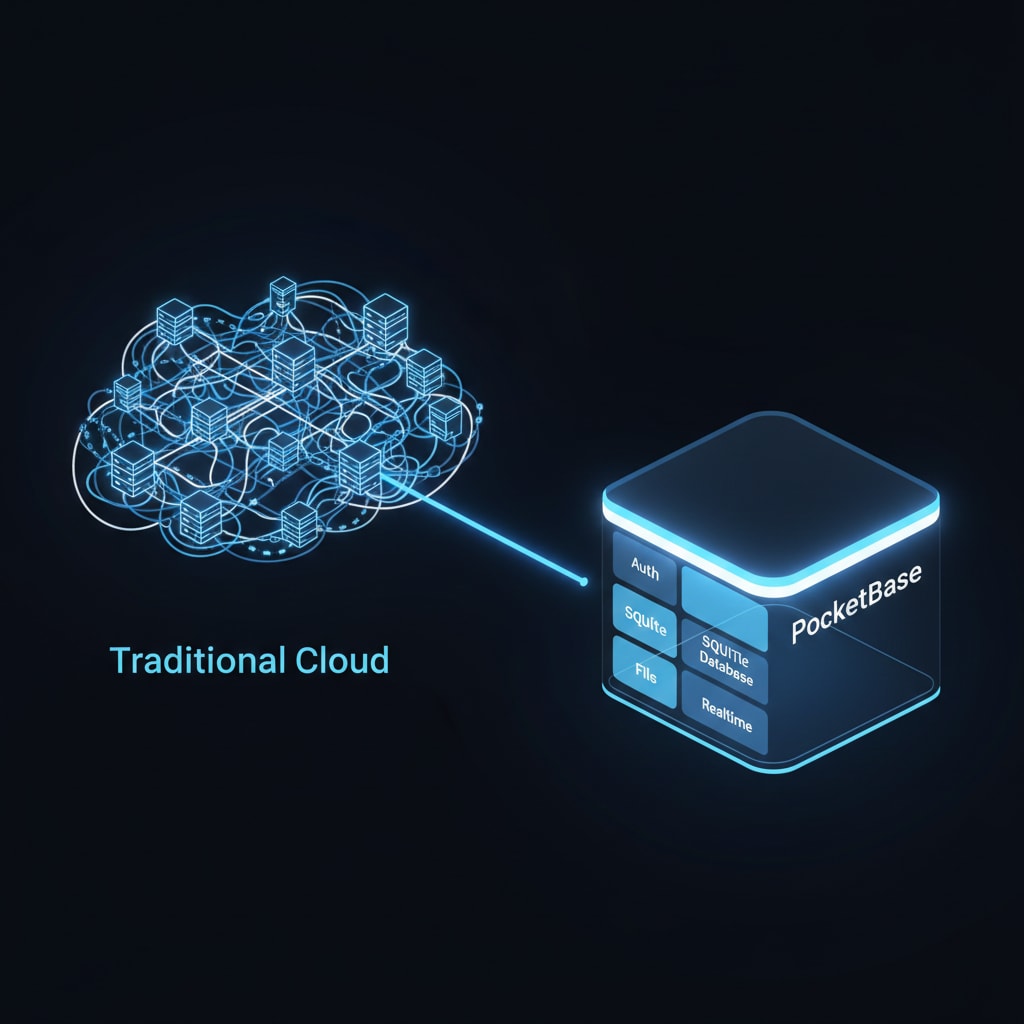
When you use a managed service, you are paying for three things:
- Compute Tax: AWS markup is high. Vercel/Supabase markup is higher.
- Bandwidth: Egress fees (moving data out) are where the cloud giants make their real money.
- Vendor Lock-in: Trying to migrate a Firebase app to SQL later is a nightmare.
Enter PocketBase: The Go-Based Powerhouse
PocketBase is an open-source backend consisting of a single executable file. Yes, you read that right. The Database (SQLite), the Auth System, the Real-time subscriptions, and the File Storage are all compiled into one binary.
Because it is written in Go (Golang), it is incredibly efficient. It can handle 10,000+ real-time connections on a server that costs less than a cup of coffee.
| Feature | Supabase (Pro) | PocketBase (Self-Hosted) |
|---|---|---|
| Cost | $25/mo + Usage | $4 - $6/mo (Fixed) |
| Database | PostgreSQL | SQLite (WAL Mode) |
| Performance | Network Latency | Embedded (Zero Latency) |
| Portability | Hard to Move | Copy 1 file (pb_data) |
Prerequisites: Get Your Server Ready
Before we install PocketBase, you need a place to run it. You cannot run this on Vercel (because Vercel is serverless). You need a VPS.
Already have a server? If you haven't set up a VPS yet, pause here and read my guide on How to Setup a $6 VPS with Coolify. We will use that exact setup to deploy PocketBase in 2 minutes.
If you need a new server, I recommend DigitalOcean for their reliability.
🎁 Get $200 Free Credit on DigitalOcean to Host PocketBase
Step 1: The Deployment (Docker Magic)
Since we are using Coolify (or any Docker environment), deploying PocketBase is just a matter of a single Dockerfile.
Create a new service in Coolify and use this Docker image:
ghcr.io/muchobien/pocketbase:latest
Expose port 8090 in your settings. That's it. Coolify will automatically handle the SSL certificates, so you get https://your-api.com out of the box.
Step 2: Connecting Your Frontend
One of the reasons developers love Supabase is the "JS SDK". PocketBase has one too, and honestly, it's even simpler.
Here is how you fetch data in a Next.js or SvelteKit app:
import PocketBase from 'pocketbase';

const pb = new PocketBase('https://your-vps-url.com');

// Fetch a list of records
const records = await pb.collection('posts').getList(1, 50, {
    sort: '-created',
});

// Real-time subscription (Live Updates!)
pb.collection('posts').subscribe('*', function (e) {
    console.log(e.action, e.record);
});
No complex configuration. No API keys to manage. It just works.
The Secret Weapon: "Portable" Data
This is where PocketBase wins the war.
Because PocketBase uses SQLite, your entire database is just a file called pb_data.
- Want to backup? Copy the file to S3.
- Want to move to a bigger server? Drag and drop the file.
- Want to develop locally? Download the file to your laptop.
Try doing that with a 50GB PostgreSQL cluster on AWS.
When Should You Stick with Supabase?
I believe in choosing the right tool. PocketBase is perfect for:
- SaaS MVPs
- Internal Tools
- Mobile Apps (Flutter/React Native)
- Blogs and E-commerce sites
However, if you are building a banking application that requires complex SQL transactions, or you need to scale to millions of concurrent writes per second, sticking with PostgreSQL (Supabase) is the safer bet.
Final Verdict
The era of "Cloud Tax" is ending. Developers are realizing that modern hardware is fast enough to handle 99% of workloads on a simple VPS.
By switching to PocketBase, you gain control, speed, and most importantly—you stop burning cash.