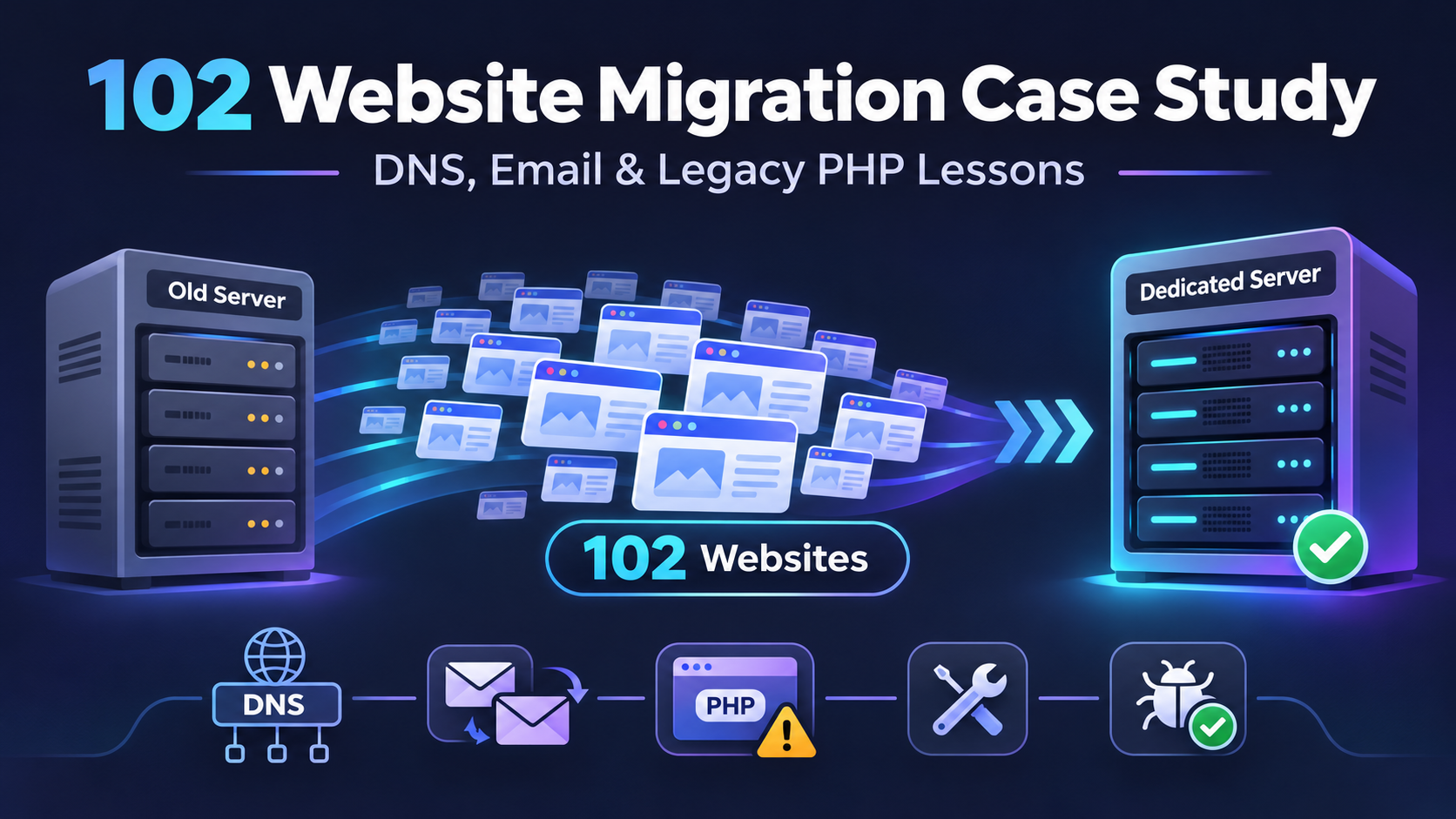
Migrating websites to a new server can sound straightforward on paper. Move the accounts, update the DNS, test the sites, and go live.
In practice, large migrations are rarely that simple.
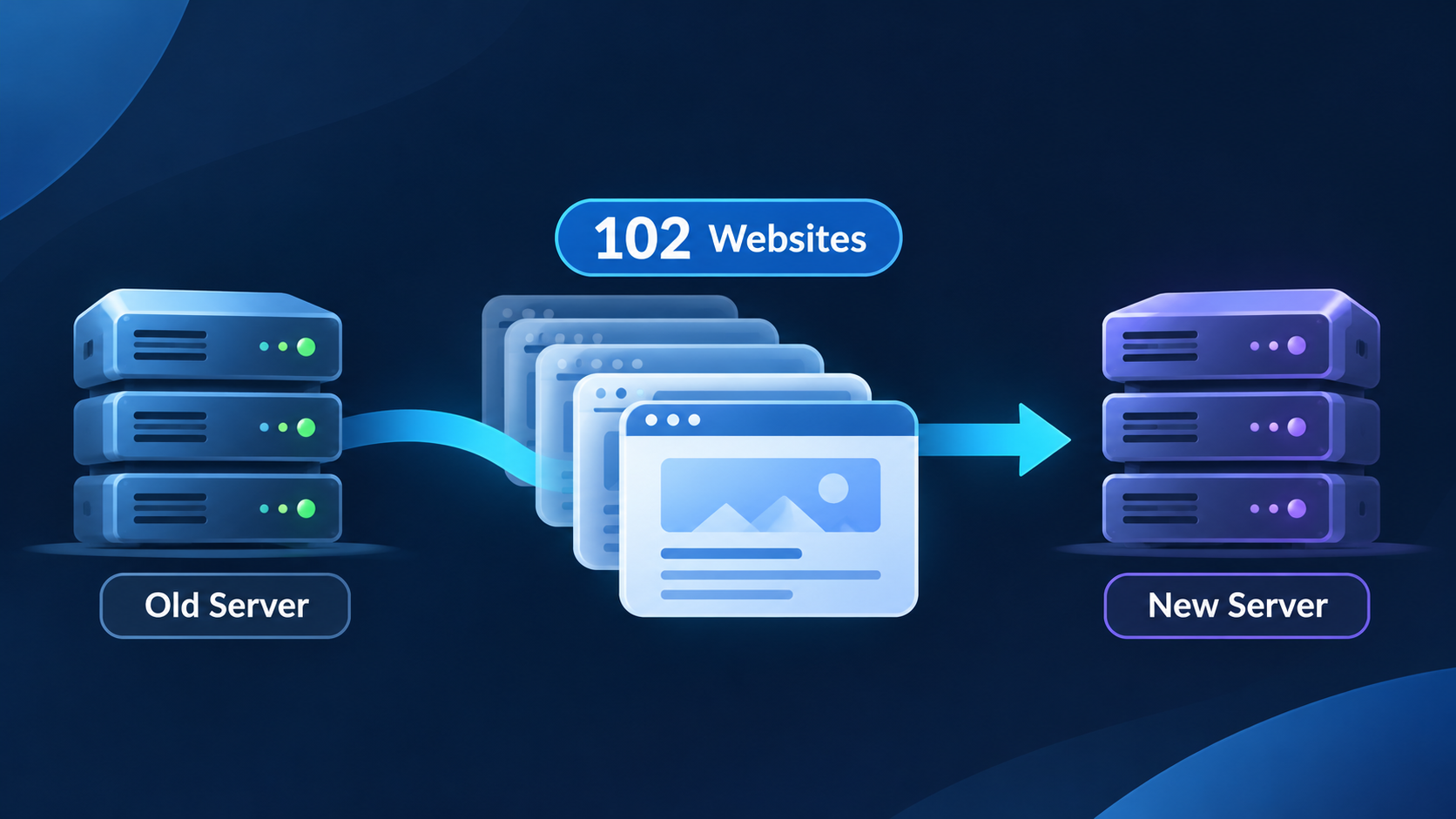
I recently worked on a project involving the migration of 102 websites from one dedicated server to another. At a high level, the task seemed clear: transfer the accounts, point the domains correctly, and make sure everything worked on the new environment.
But as the migration progressed, it became obvious that moving accounts was only one part of the job. DNS routing, business email, permissions, legacy applications, PHP compatibility, and security-related conflicts all had to be investigated carefully.
This article walks through what went wrong, how the troubleshooting evolved, and the most important lessons I took away from the project.
Project Context
This was not a single-site migration. The project involved 102 websites, each with its own setup, assumptions, and possible points of failure.
Some of the sites were standard WordPress installations. Others were tied to older systems and legacy applications. The hosting environment also included different DNS management methods, external email providers, and application-level dependencies that could not be verified by looking at a successful account transfer alone.
That distinction turned out to be critical.
A migration order can be marked complete. A server transfer can succeed. But that does not automatically mean the entire system is functioning correctly.
Why a Successful Transfer Is Not the Same as a Successful Migration
The transfer itself was only the first stage. In a cPanel and WHM environment, tools can move accounts, packages, and configurations from one server to another. In broad terms, that makes account migration operationally easier.
But a migrated account still depends on several other layers:
- Domain and DNS routing
- File permissions and ownership
- Application compatibility
- Email-related DNS records
- Server-specific software behavior
In other words, “the files moved” is not the same as “the business system works.”
DNS Complexity Was One of the First Real Problems
One of the problems during the migration was DNS.
Not every domain was configured the same way. Some domains used custom nameservers. Some had their DNS managed externally. Others were using platforms like Cloudflare. That meant even when a hosting account transferred successfully, the domain itself could still point incorrectly, or fail to resolve the way we expected.
This is one of the easiest mistakes to underestimate in large migrations.
When many websites are involved, it is tempting to think in terms of hosting accounts only. But the domain layer has to be treated as a separate part of the migration. Where the DNS is managed matters. Which records exist matters. And whether the domain is actually routing users to the intended server matters even more.
In this project, DNS was not a small checkbox. It was part of the core troubleshooting path.
403 Errors and Access Problems Required Deeper Troubleshooting
Another issue that emerged involved websites becoming unavailable or returning 403-related problems.
When that happens after a migration, the problem is rarely solved by one generic fix. It can involve file permissions, ownership mismatches, server configuration, or application-specific behavior.
In this case, troubleshooting required thinking through multiple possibilities instead of forcing a single explanation too early.
- Were the file permissions correct?
- Did ownership need attention?
- Was a configuration file or rule interfering with access?
- Was the problem tied to a compatibility issue rather than permissions alone?
That investigative mindset matters. Real migrations often involve layered causes, especially when old applications are involved.
Email Problems Showed Why Website Checks Are Not Enough
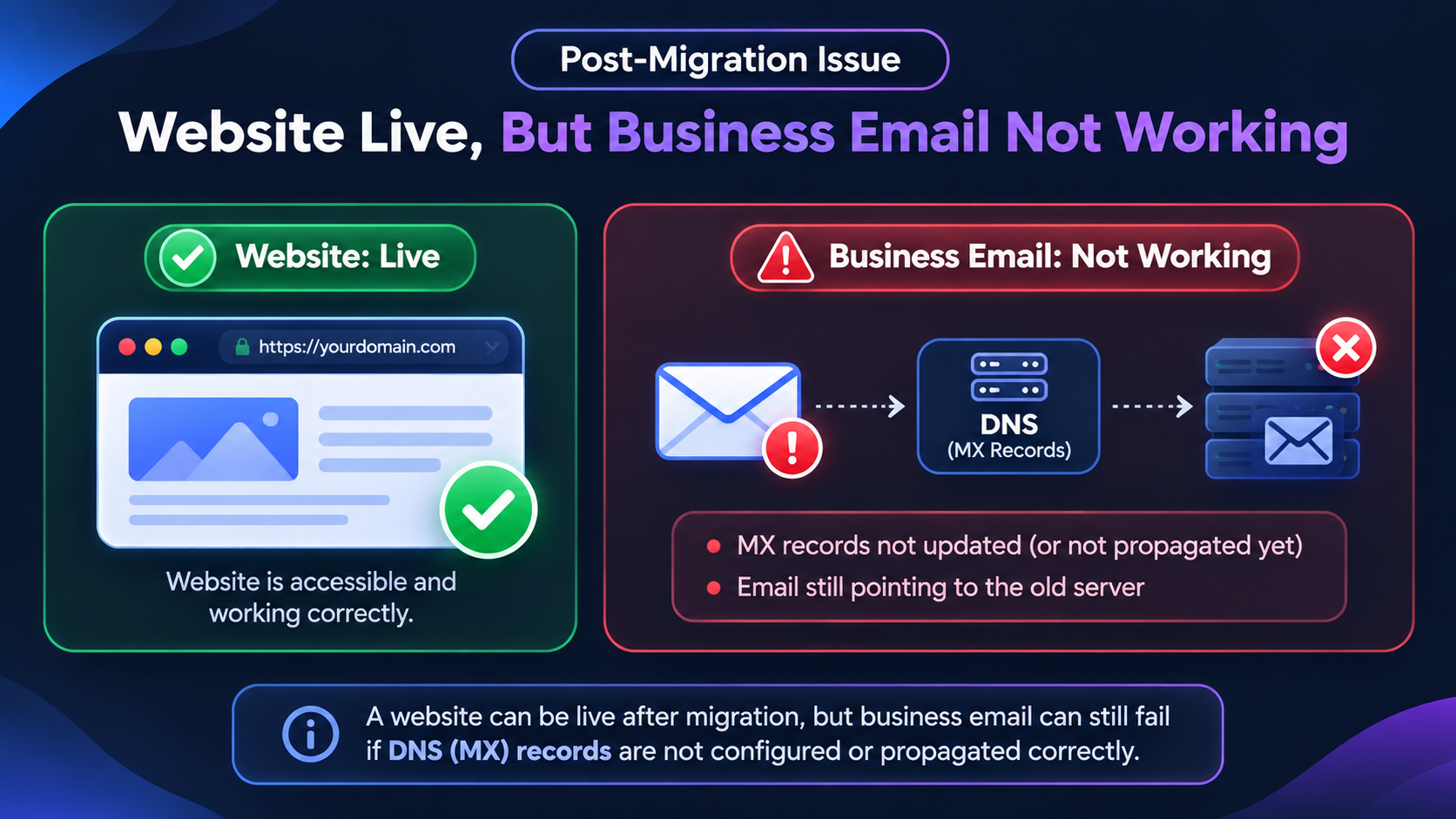
One of the most important lessons from this project was that a website can appear to be working while a critical business function is still broken.
Some businesses started reporting email-related problems. Certain domains were using external email services such as Google Workspace or Microsoft 365, and some required DNS records appeared to be missing or misaligned.
That is a serious issue because email is not just a technical detail. For many businesses, it is a core operational dependency.
If a website loads correctly but incoming email is no longer being delivered properly, the migration still has a significant failure.
This is where MX records become important. MX records tell other mail servers where incoming email should be delivered. If those records are missing, incorrect, or not properly accounted for during the migration process, email delivery can fail even though the website itself seems fine.
This part of the project reinforced a practical rule:
Do not stop at “the homepage loads.” Verify the services the business actually depends on.
Legacy Applications Introduced a Different Class of Problems
Migrations become more delicate when older applications are involved.
In this project, one of the legacy systems in the environment was Soholaunch. That introduced compatibility concerns, especially around older PHP requirements.
Modern hosting stacks do not always align cleanly with old application expectations. In environments using CloudLinux, PHP version handling can be managed more flexibly, including support for versions that may not be part of a default modern setup.
But legacy compatibility is still not just a version-number problem. It has to be tested in the actual application context.
An application may need a specific PHP version, a particular set of extensions, or a configuration approach that differs from the default environment. Even if the website files are present and the domain resolves correctly, the application itself can still misbehave.
That means large migrations require application-level verification, not just infrastructure-level verification.
Security and Legacy Behavior Can Also Conflict
Some of the troubleshooting also pointed toward possible conflicts between server-side security behavior and legacy application files.
This is another area that can be easy to miss. Security tooling is necessary, but older applications were not always built with modern hosting expectations in mind. Under the wrong conditions, that can create friction between the way the server is protecting the environment and the way the old application expects to operate.
That kind of issue cannot be solved by assumptions. It has to be investigated carefully and in context.
The Most Important Lessons from the Migration
Looking back, several lessons stand out clearly.
1. Account transfer is not the finish line
A completed migration order or successful account transfer should never be treated as the final proof that everything is working.
2. DNS has to be handled as its own workstream
Before a migration, you need to know exactly where each domain’s DNS is managed. After the migration, you need to verify the relevant records and confirm that the domain is actually resolving the way you expect.
3. Website availability is not enough
A website loading successfully does not prove that email, forms, applications, or other business-critical services are working.
4. Legacy applications need special attention
Older software can introduce compatibility and configuration issues that are invisible at the account-transfer level.
5. Troubleshooting requires structured thinking
When multiple systems are involved, jumping too quickly to one explanation can waste time. It helps to work through possibilities methodically: DNS, permissions, email records, compatibility, and server-specific behavior.
A Practical Post-Migration Checklist
If I were summarizing the practical verification process from this project, the checklist would look something like this:
- Confirm where each domain’s DNS is managed
- Verify nameservers and relevant DNS records
- Check whether A records point correctly
- Open the websites and test real page access
- Investigate 403 or permissions-related access errors
- Test forms and user-facing functionality
- Verify application compatibility, especially for legacy systems
- Check business email routing and incoming mail delivery
- Review environment-specific behaviors such as CloudLinux PHP configuration
That is the difference between a transfer checklist and a true migration verification process.
Final Takeaway
The biggest lesson from this 102-website migration is simple:
A successful transfer does not automatically mean a successful migration.
What matters is whether the full system works the way the business needs it to work.
That includes the website, the DNS, the email flow, the application behavior, and the hidden technical dependencies that only appear when real troubleshooting begins.
Large migrations are not just file-moving exercises. They are systems problems.
And the real responsibility is not simply to move the accounts — it is to make sure the environment works after the move.
If your business is planning a server migration, or if you are dealing with post-migration DNS, application, or email issues, DevMorph can help you troubleshoot and stabilize the environment.